AI QR codes that look like art and still scan
Describe a scene or pick a style. We paint it and check it scans close up and far away before you download.
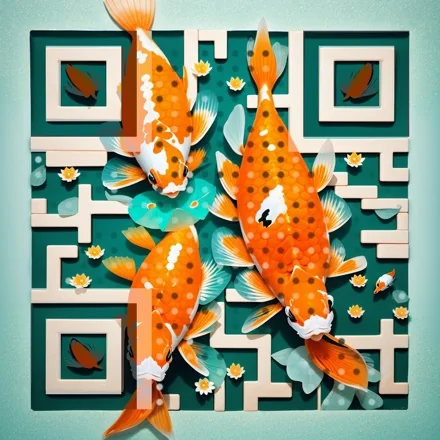
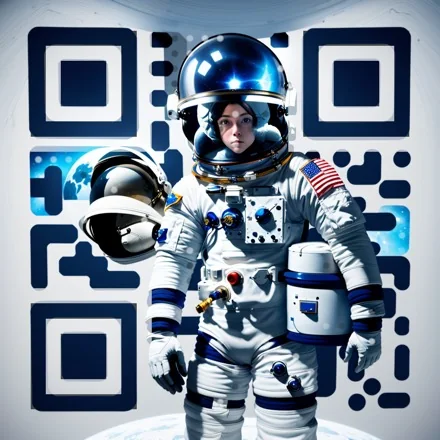
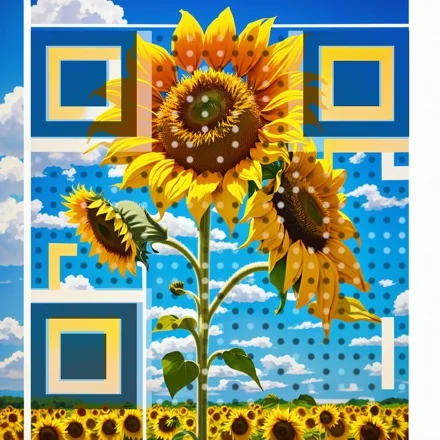
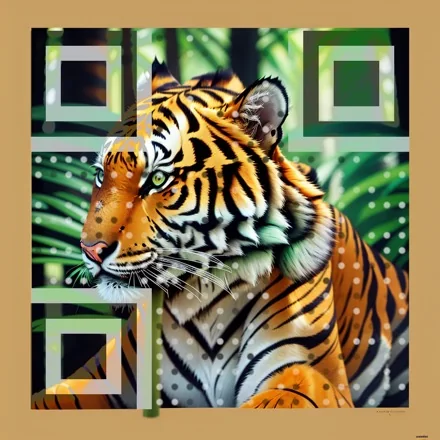
Describe a scene and AI paints it with your code woven in. Every example here is a real code: point your phone at any of them and it opens qrglo.com.
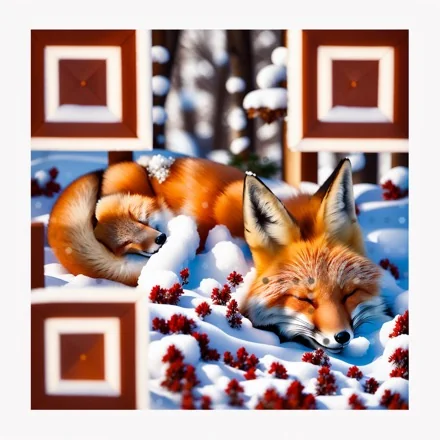
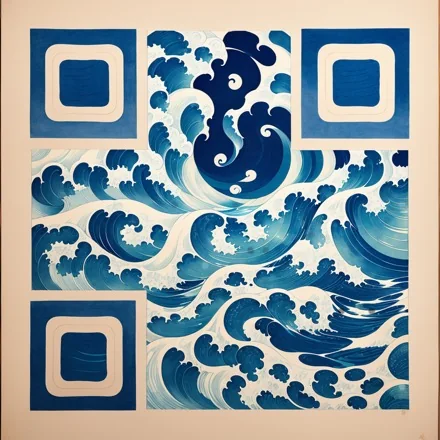
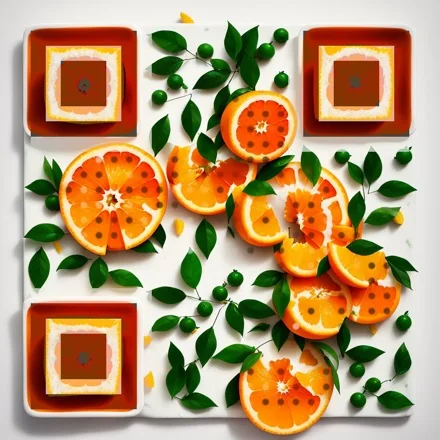
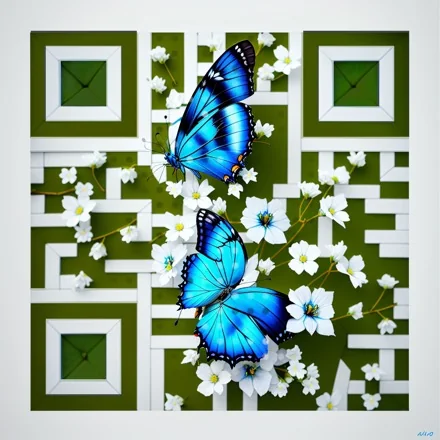
What you get
Styles or your own words
Ink wash, watercolour, neon city, coral reef and more, or describe your own scene.
Checked before you see it
Every result is decoded at several sizes. If it does not scan, we say so instead of handing it over.
Logo art
Turn your logo into a painted, 3D or illustrated version for the centre of a code.
Works with dynamic codes
Put the art on an editable code and keep changing the destination.
How it works
- 1
Open AI art in your dashboard and choose a code or a link.
- 2
Pick a style or describe the picture you want.
- 3
Download the version that scans, in full resolution.
How AI QR code art is made
An image model paints the scene you choose. We then line the painting up with your code, gently darken or lighten only the centres of the squares that need it, redraw the three corner squares cleanly, and test the result with a real QR reader close up and from a distance. You get the gentlest version that still scans; if none does, we tell you instead of handing it over.
Getting a picture that scans well
Shorter links make better art: fewer squares leave more room for the picture. Use a dynamic code, whose short link is only a few characters, even when the final page has a long address. Scenes with clear areas of light and dark, such as a koi pond, a sunflower against the sky or a great wave, scan more reliably than busy, uniformly dark ones.
Print AI art codes at least 3 cm wide and test with two phones before a large run.
Styles to start from
Sixteen ready styles include watercolour garden, ink landscape, great wave, anime village, café, neon city, cherry blossom, coral reef, botanical, paper cut, low poly, desert, starry night, stained glass, sushi and tiny town. Or describe your own scene in a sentence.
You can also redraw your logo as glossy 3D, neon, watercolour and other looks, for the centre of a normal code.
AI QR art questions
Every result is tested with a real decoder at three sizes. Keep the link short: fewer squares leave more room for the picture.
Five generations on a free account, up to 100 a day on Pro.
Yes, for your own codes and products.
Yes, if you make the art from a dynamic code. Change the destination at any time; the picture stays the same.
1024 × 1024 pixels, enough for print up to about 8 cm at 300 dpi.